1 · Orient
Use the masthead and image to understand the module. No live venue or named person is depicted.
 Twofold RallyPrepare the person. Respect the pony.
App guide
Start at Twofold Yard, choose a crossbar, open a focused pair and optionally hold up to four pairs for the current conversation. Every selection remains private and temporary.
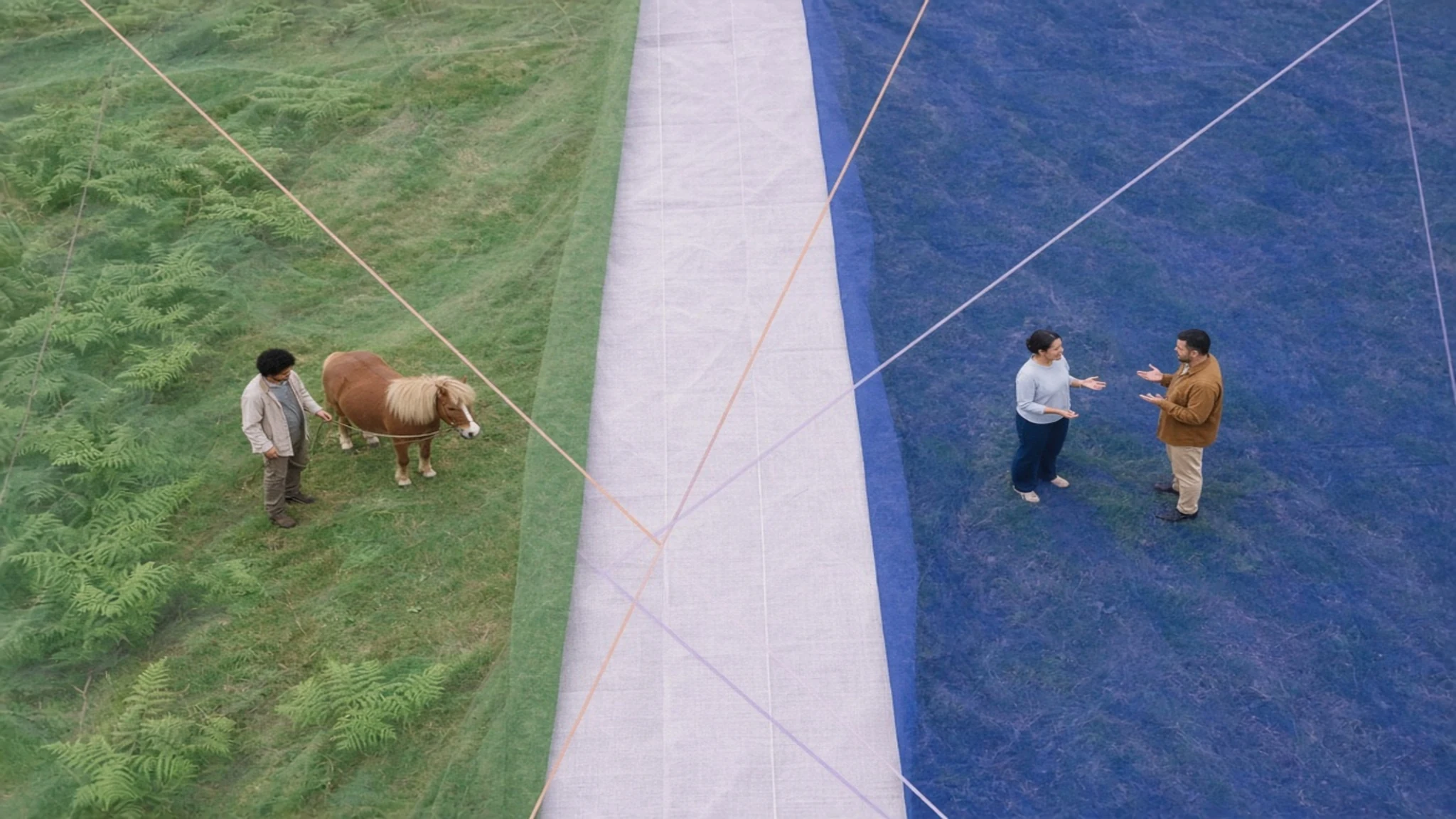
A complete route
Local behaviour
The Android manifest requests no Internet permission. Images, prompts, sources and privacy text are packaged in the release.
Temporary choices
There is no login, profile, free text, youth record, pony record, attendance, export, upload or cloud sync.
One preference
Reduce Motion is the only persistent app preference. Backup and device transfer are disabled.
Troubleshooting
Use Clear Pairboard, change Reduce Motion from Twofold Yard, clear app data in Android settings, or reinstall the exact release. See the support guide for step-by-step boundaries.